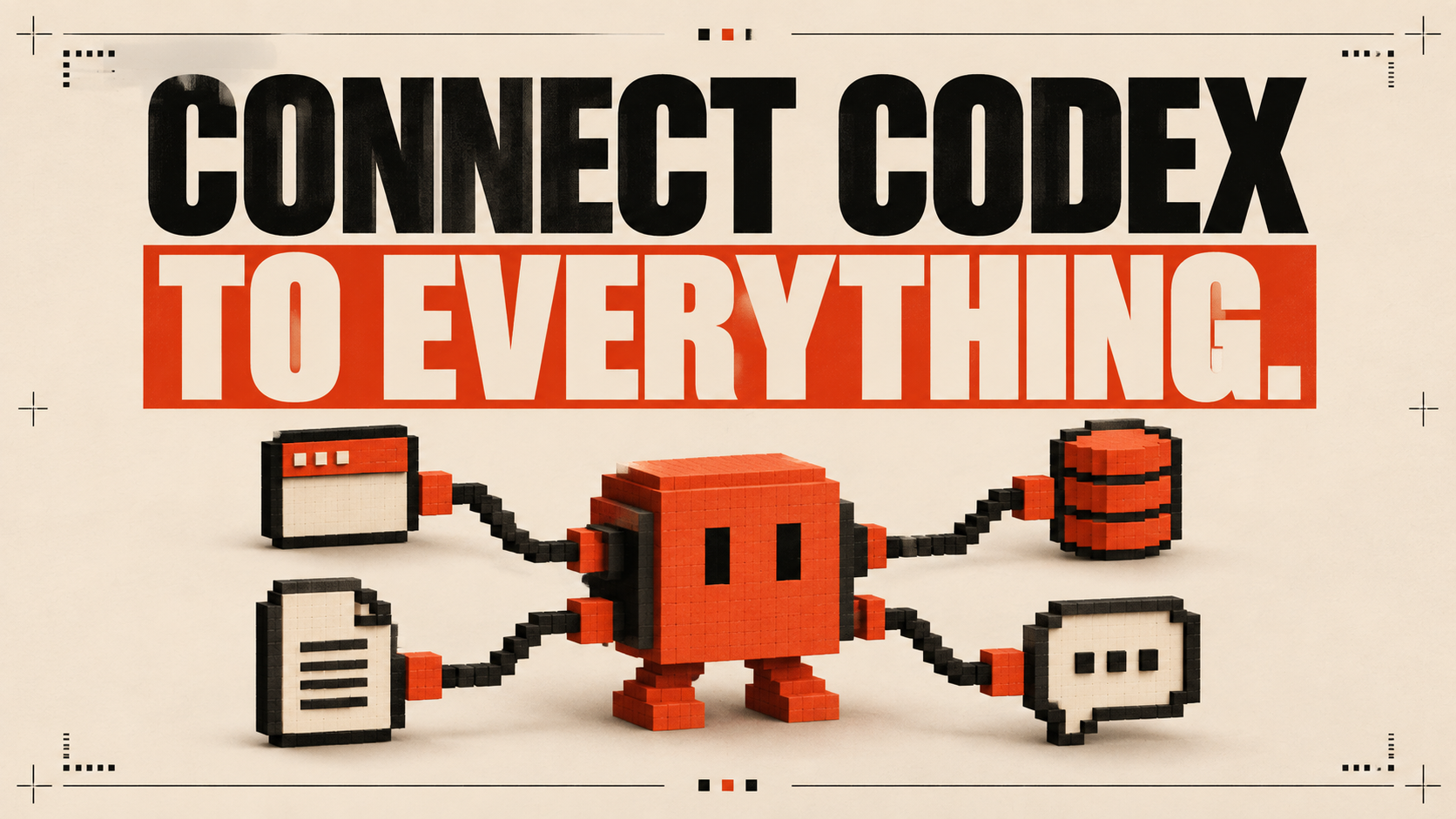
MCP for Codex: Connect Your Coding Agent to Real Tools
How to give a coding agent useful context from the systems where your team already works.
A coding agent becomes more useful when it can reach the context needed for the job. MCP provides a standard way for an agent to use external tools and data sources—such as documentation, issue trackers, design systems, databases, or internal services—through clearly defined capabilities.
The goal is not to connect everything. It is to remove the specific context gaps that repeatedly slow work down.
Start with one expensive context switch
Watch where your team leaves the coding workflow to gather information. Perhaps engineers repeatedly search a documentation portal, copy acceptance criteria from an issue, inspect a design file, or query a read-only data source. That repeated switch is a strong MCP candidate.
Choose one narrow connection and one measurable job. For example: allow the agent to read the current issue and relevant product documentation before drafting a plan. Prove that the connection saves time before adding another one.
Useful connection patterns
- Documentation: retrieve the current internal or product guidance for a task
- Project tracking: read issue context, constraints, and acceptance criteria
- Design: inspect approved components, tokens, and layouts
- Data: run bounded, read-only queries for debugging and validation
- Operations: inspect logs or deployment state without granting broad control
Permission is part of the design
A connection should expose the smallest capability required. Prefer read-only access for discovery. Separate reading from writing, and require explicit approval before external changes such as updating an issue, altering data, or triggering a deployment.
Treat every connected source as potentially sensitive. Keep secrets out of prompts and repositories, limit which resources the agent can reach, and preserve an audit trail for actions that change external systems.
A sensible rollout checklist
MCP is most powerful when it makes an existing workflow clearer. A small set of trusted, well-scoped connections beats a crowded toolbox the agent cannot use predictably.
- Name the user problem the connection solves
- Begin with the minimum scope and read-only access
- Test failure modes, missing permissions, and misleading results
- Document when the agent should and should not use the tool
- Measure time saved and mistakes prevented before expanding access
Go from reading to building.
Join the Claude Code & Codex classroom for structured lessons, practical workflows, and a community of builders shipping with AI.
Join the free classroom